how to use
Works in ChatGPT (and Gemini). Three steps: pick a style you like, turn it into a JSON prompt, then just swap the object. Tap a prompt to copy it.
In design this has a name: visual style. The style stays locked and only the content changes, so every image comes out matching.
step 1
Turn the style into JSON
Screenshot an illustration in a style you like, upload it to ChatGPT and send this with it:
Analyze the style of this image and write a JSON prompt that recreates this style.

Rules:
1. Put what appears in the image on its own editable line: "object".
2. Put everything about the style inside "style": illustration type, material and texture, shapes and proportions, colors, lighting, background, framing and level of detail.
3. Do not describe the object inside "style", so I can swap the object without changing the style.

Reply with the JSON only.
step 2
Or use mine, clay style
This is the JSON behind the illustrations in the video. Open a new chat, paste it and change only what is in "object".
Generate an image with this prompt:

{
  "object": "[OBJECT]",
  "style": {
    "type": "3D clay illustration",
    "aesthetic": "cute, playful, minimalist",
    "appearance": "soft matte modeling clay, toy-like, rounded edges",
    "proportions": "chubby and friendly, simple shapes",
    "colors": "soft tones, at most 3 colors per object",
    "lighting": "soft studio light, light shadow under the object",
    "background": "plain light gray background",
    "composition": "single object, centered, seen slightly from above",
    "details": "few details, no text, no logo"
  },
  "format": "square 1:1"
}
step 3
Swap only the object
For each new illustration, paste the same JSON and change a single line:
"object": "orange cat sitting"
Tip: open a new chat for every image. That way the AI does not mix in what came before and the style stays the same.
examples
Made with this prompt
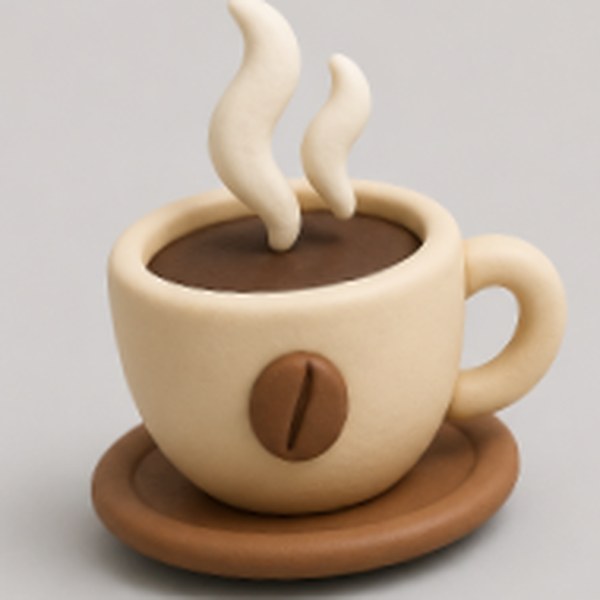
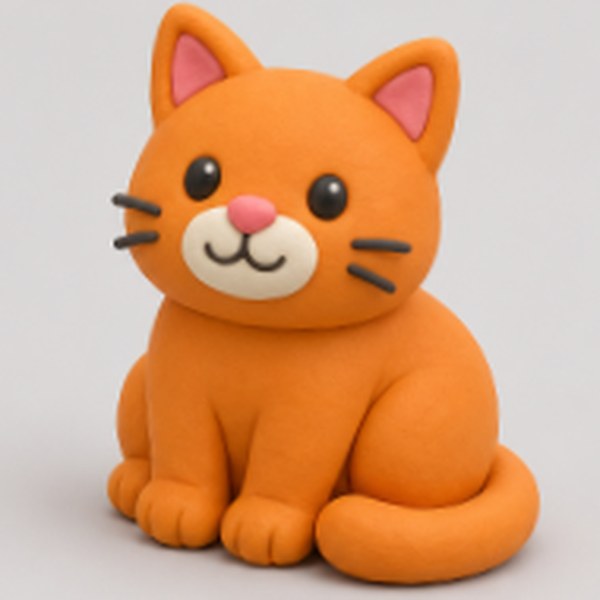
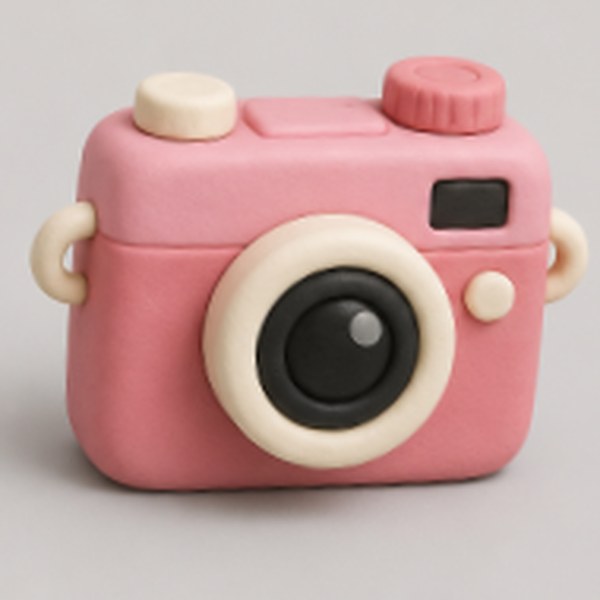
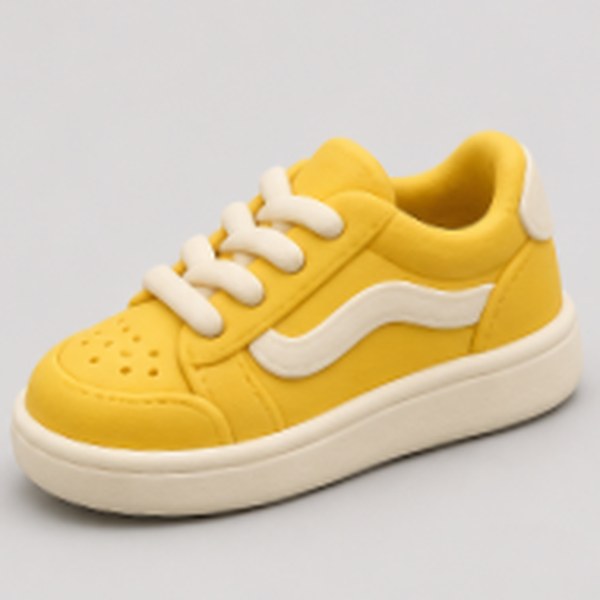
Coffee, cat, camera and sneaker: the same JSON, only the object changes.